Revolutionizing Your College Experience with iPad Apps
When I think back to my college days, I can't help but wish I had the powerful tools available today, especially on an iPad. Seriously, a well-equipped iPad can be an absolute game-changer for a student, transforming it from a mere entertainment device into a serious academic powerhouse. I'm talking about simplifying note-taking, boosting your organization, and making research a breeze. As someone who's navigated the academic world, I've spent a lot of time exploring what really works. So, let's dive into some of my top picks for the best iPad apps that I genuinely believe can help you crush your studies and keep your head above water in the demanding world of university life.
You might be thinking, "Are these apps really going to make a difference?" And my answer is a resounding yes! The right app ecosystem on your iPad isn't just about convenience; it's about creating an efficient workflow that saves you precious time and reduces stress. We all know college isn't just about lectures and textbooks; it's also about managing your social life, part-time jobs, and personal well-being. My aim here is to introduce you to apps that don't just help with academics but also support that broader, often hectic, student lifestyle.
Mastering Note-Taking: My Top Picks
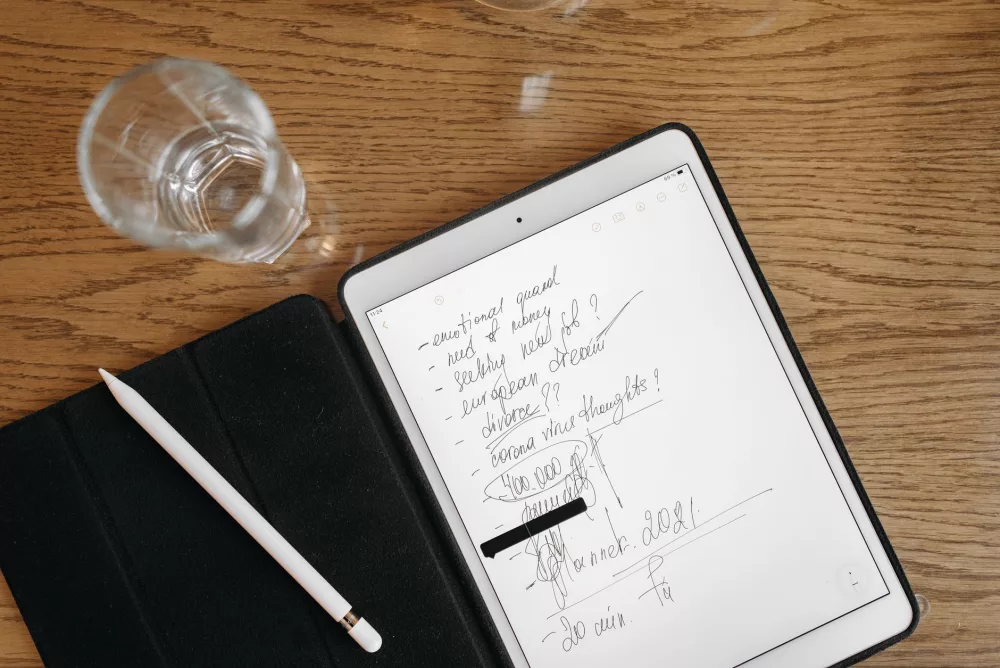
Let's kick things off with arguably the most crucial aspect of student life: note-taking. Gone are the days of frantic scribbling on loose-leaf paper. With an iPad and Apple Pencil, you've got a digital notebook that's far superior.
- GoodNotes 5: For me, this app is the king of digital note-taking. I love how you can organize everything into notebooks, just like real ones. You can write, draw, highlight, import PDFs to annotate directly, and even search your handwritten notes! It’s incredible. I find it so intuitive, and the paper options are fantastic. Whether you prefer lined, grid, or blank, it's all there. Plus, it syncs across your devices, which is a lifesaver.
- Notability: Another strong contender that many of my friends swear by is Notability. What I find really cool about Notability is its seamless audio recording feature. Imagine recording a lecture and having your written notes sync precisely with the audio timestamps. This means you can tap on a word you wrote and hear what the professor was saying at that exact moment. It’s brilliant for reviewing complex lectures.
- Apple Notes: Don't underestimate the built-in Apple Notes app! While it might seem basic, it's gotten incredibly powerful over the years. I use it for quick ideas, checklists, and even scanning documents. It's free, integrates perfectly with the Apple ecosystem, and it's always there when you need a quick jot. The quick note feature is super handy.
Organization & Time Management: Keeping Your Sanity
College requires a serious level of organization. If you're anything like me, you've probably got multiple assignments, deadlines, and social engagements swirling around. These apps are what I'd recommend to keep your schedule, tasks, and brain organized.
- Things 3: This is my go-to task manager. I know it's a paid app, but honestly, it's worth every penny. The clean interface makes it a joy to use. I can create projects for each class, break down assignments into smaller tasks, set deadlines, and even schedule things for later. Its natural language input for dates is super slick. It just makes managing my workload feel less overwhelming.
- Todoist: If you're looking for a robust, cross-platform task manager that has a free tier, Todoist is an excellent choice. I appreciate its flexibility and how easy it is to add tasks from anywhere. You can prioritize tasks, create recurring ones, and set reminders. It's a fantastic tool for keeping track of everything from group project deadlines to grocery lists.
- Google Calendar: While many use Apple Calendar, I often find myself recommending Google Calendar, especially if you're collaborating with others who might not be on Apple devices. Its event creation is quick, and the sharing features are robust. You can overlay multiple calendars, which is great for seeing your class schedule, work shifts, and social events all in one place.
Research & Reading Essentials: Absorbing Knowledge Efficiently
College means a lot of reading. A LOT. These apps can help you manage and digest all that information without getting lost in a sea of PDFs and browser tabs.
- LiquidText: Okay, this app is a revelation for research. I seriously love LiquidText. It's not just a PDF reader; it's a workspace for critical thinking. I can import multiple documents, pull out quotes, connect ideas, and create my own active workspace where I'm literally linking concepts from different sources. It's like having a giant digital whiteboard where all your research comes alive. For writing essays or theses, it's invaluable.
- Kindle/Books: For textbooks or supplementary reading, the Kindle app (or Apple Books) is a must-have. I can highlight, make notes, and look up definitions directly within the text. It's so much lighter than carrying physical books, and the search function is a godsend when you're trying to find a specific passage.
- Safari/Chrome: Obviously, you'll need a web browser. I usually stick with Safari for its integration with iOS, but Chrome is a solid alternative if you're heavily invested in the Google ecosystem. Tab management and reader modes are key for research.
Writing & Creation: From Essays to Presentations
Writing essays and creating presentations are fundamental parts of college. These apps offer powerful functionality to help you produce your best work.
- Microsoft Word/Pages: Depending on your preference and university requirements, either Microsoft Word or Apple Pages is essential. Both offer robust word processing capabilities. I usually prefer Word if I'm collaborating with others, as it's often the standard. Pages is great if you're fully in the Apple world and want something beautifully integrated. Both allow for detailed document creation and formatting.
- Canva: When it comes to presentations or designing eye-catching posters for projects, Canva is incredibly helpful. I've used it countless times for group presentations. It's user-friendly, has tons of templates, and you don't need to be a graphic designer to make something look professional.
- Procreate: If you're in an art, design, or even a science major where you need to draw diagrams or illustrate concepts, Procreate is an absolute powerhouse. I've seen students use it to create amazing visual notes and scientific illustrations. It's incredibly powerful and surprisingly intuitive for such a feature-rich app.
Cloud Storage & Collaboration: The Backbone of Group Projects
Working with classmates is a given. You need reliable ways to share files and communicate.
- Google Drive/iCloud Drive/Dropbox: I generally recommend having at least one of these, if not all three. Google Drive is fantastic for collaborative documents (Docs, Sheets, Slides). iCloud Drive works seamlessly if all your devices are Apple. Dropbox is a solid, universal choice for file sharing. The key is easy access to your files from anywhere, and the ability to share quickly.
- Zoom/Microsoft Teams: For online classes, group meetings, or study sessions, these communication apps are non-negotiable. Most universities have a preferred platform, so you'll definitely be using one. They're great for screen sharing, virtual whiteboards, and staying connected when you can't meet in person.
Look, navigating college is tough enough, but I truly believe that leveraging your iPad with the right applications can significantly ease the burden. My goal with these suggestions wasn't to overwhelm you but to give you a solid foundation of tools that I've found incredibly useful. Don't feel like you need to download every single one today. Start with a couple that resonate with your biggest pain points – maybe it's note-taking or organization – and build your digital toolkit from there. You'll find that with a little experimentation, your iPad won't just be a tablet; it'll be your most reliable study partner.